
Cookie Banners, CASL and Consent Mode: A One-Page Compliance Checklist for Canadian Small Business Websites

Cookie banners, privacy policies, newsletter checkboxes, Google’s Consent Mode, accessibility. Each one gets its own article somewhere, usually written by a company selling the tool that fixes it, and usually written for Europe or the United States.
This page puts the Canadian rules for a typical small business website on one page. It’s aimed at a local service business or small online store with a contact form, Google Analytics, maybe a Meta pixel and a newsletter. It isn’t legal advice, and if you handle health, financial or children’s information, you need more than this. For most local business sites, though, the checklist below covers what matters.
The Checklist
| Area | What a Canadian small business site should have | Main rule |
|---|---|---|
| Privacy policy | Plain-language policy: what you collect, why, which tools and third parties receive it, how long you keep it, and a named contact for privacy questions | PIPEDA |
| Analytics and cookies | Clear notice about analytics and advertising cookies, and a working way to opt out of ad tracking | PIPEDA, OPC guidance |
| Quebec visitors | If you do business in Quebec, tracking that identifies or profiles people off by default until they agree | Quebec’s Law 25 |
| Google Consent Mode | Required only if you serve users in the EEA or UK with Google ads or measurement. Optional for Canada-only audiences | Google’s EU user consent policy |
| Contact forms | Only the fields you need, a link to the privacy policy, and no hidden newsletter signup | PIPEDA, CASL |
| Newsletter signup | Unchecked opt-in box, clear description of what they’ll receive, your business identified in every email, working unsubscribe | CASL |
| Reviews and testimonials | Genuine only, not written or incentivized in a way that misleads | Competition Act |
| Accessibility | Build toward WCAG 2.2 AA; no Nova Scotia website standard is in force yet | NS Accessibility Act (in development) |
The sections below explain each row and what “good enough” looks like for a small business.
Privacy Policy: What PIPEDA Expects
PIPEDA applies to private-sector businesses that collect personal information in the course of commercial activity. That includes a contact form, an online store and, in most cases, analytics that record IP addresses and device identifiers.
A useful small business privacy policy answers five questions in plain language:
- What do you collect? (Form fields, order details, analytics data, cookies.)
- Why? (To reply to inquiries, fulfil orders, measure the site, run ads.)
- Who else gets it? Name the categories and the main tools: your email platform, Google Analytics, Meta, your payment processor, your hosting company.
- How long do you keep it?
- Who can people contact about it, and how?
Copying a policy from another site is common and usually wrong. If it mentions tools you don’t use, or misses the ones you do, it’s not describing your practices, which is the whole point of having one.
Cookies and Analytics: Do Canadian Sites Need a Banner?
Canada doesn’t have Europe’s cookie law, and there’s no Canadian rule requiring a banner that blocks everything until the visitor clicks. What PIPEDA requires is meaningful consent, and the form of consent depends on how sensitive the information is and what people would reasonably expect.
For online behavioural advertising, the Office of the Privacy Commissioner’s guidelines say opt-out consent can be acceptable if certain conditions are met. People have to be told about the tracking and its purposes clearly, at or before the time it happens, and they have to be able to opt out easily on an ongoing basis. The OPC also says tracking that people can’t decline shouldn’t be used for advertising at all.
In practice, for a local business site running Google Analytics and a Meta or Google Ads pixel, that means:
- a visible notice on first visit that the site uses analytics and advertising cookies, with a link to the privacy policy
- a way to decline or turn off advertising cookies that actually works
- nothing sensitive fed into ad platforms, such as health conditions from a form
A cookie banner is the most practical way to meet that. It doesn’t have to be the heavy European version.
If you have customers in Quebec
Quebec’s Law 25 is stricter. For businesses it applies to, technology that can identify, locate or profile a person has to be off by default, and turned on only when the visitor chooses. Whether it applies to a Nova Scotia business depends on whether you’re doing business in Quebec, which is a legal question. If you sell to Quebec customers regularly, the simplest route is a banner that blocks non-essential cookies until consent for all visitors, or at least for visitors from Quebec.
Google Consent Mode v2: Do You Need It?
Consent Mode is Google’s system for adjusting its tags based on what the visitor agreed to. Google made it a requirement in 2024 for advertisers who serve users in the European Economic Area and the UK. It’s tied to that EEA and UK traffic, not to Canada.
So a Halifax business with Canadian customers isn’t required to implement it. If you already use a cookie banner, connecting it to Consent Mode is still sensible: it makes your Google tags respect the visitor’s choice automatically, and Google can model some of the conversions you’d otherwise lose. If you sell to Europe or the UK, it’s not optional.
Forms and Newsletters: CASL
Canada’s Anti-Spam Legislation covers commercial electronic messages, which includes marketing emails and texts. It matters most at the moment someone gives you their email address.
Express consent
- The opt-in checkbox has to be unchecked by default. The person has to take the action. Pre-checked boxes don’t count.
- Say what they’re signing up for and who is asking. “Email me monthly maintenance tips and offers from [your business name]” is clear. “Subscribe” on its own is not.
- Keep a record: when and how each person agreed.
Implied consent, and its time limit
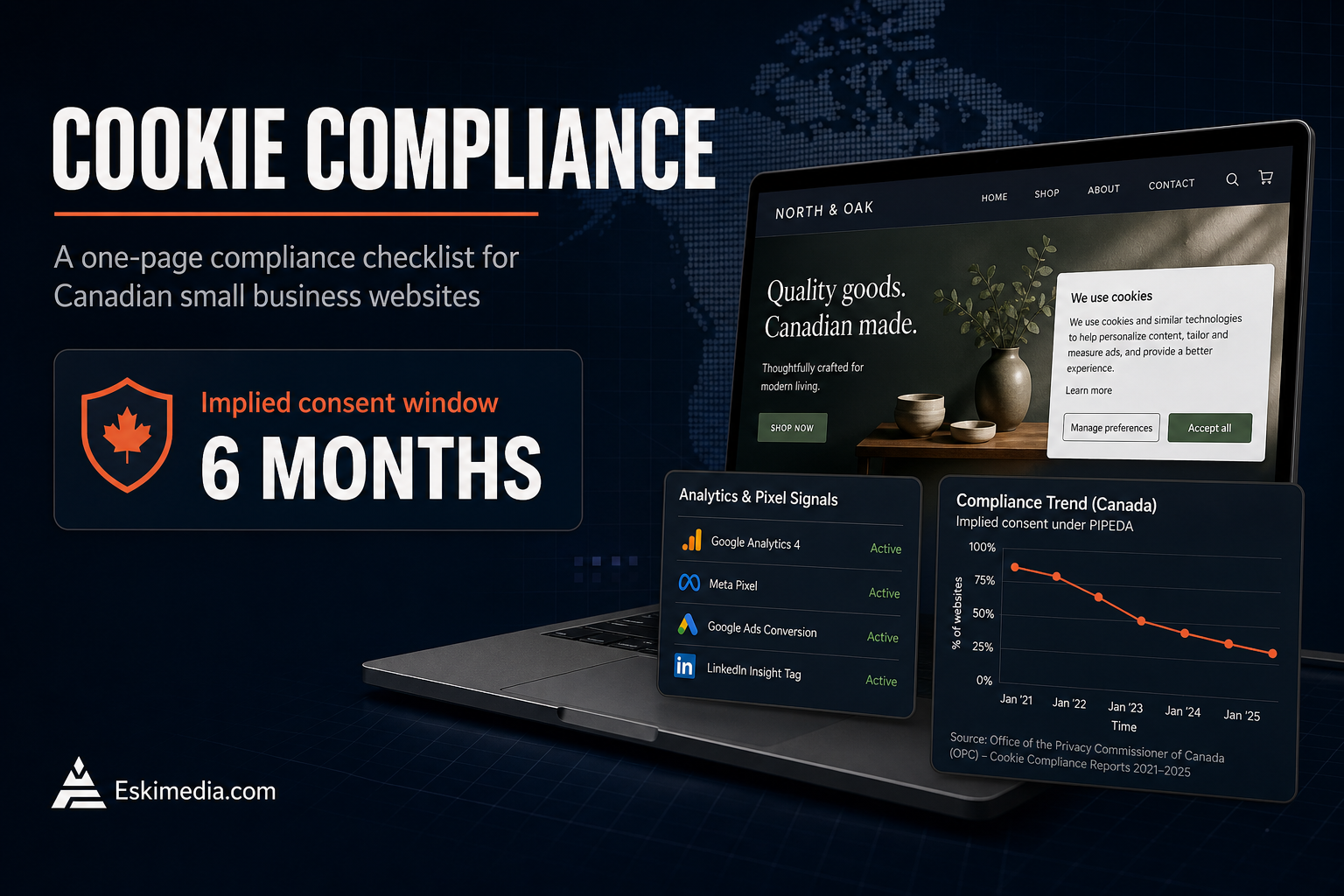
You can have implied consent through an existing business relationship: two years from a purchase, or six months from an inquiry about buying something. That’s the rule people miss most often. Someone who filled in your contact form asking for a quote gives you six months, not permanent permission to add them to the newsletter. Ask for express consent while you have it.
In every message
- Identify your business and include a mailing address and another contact method.
- Include an unsubscribe link that works, and process unsubscribes within ten business days.
Most email platforms handle the unsubscribe and footer for you. The consent side, meaning what your form says and whether the box is checked, is on you.
Reviews and Testimonials
Testimonials on your website and reviews you ask for are covered by the Competition Act‘s rules on misleading representations. Don’t write them yourself, don’t edit them in a way that changes their meaning, and be careful with incentives. We covered this in more detail in how to get more Google reviews without breaking the rules.
Accessibility
Nova Scotia’s Accessibility Act is heading toward a standard that will cover websites, but it isn’t in force yet. What that means, and what’s worth fixing now, is in the Nova Scotia Accessibility Act and your website.
Where to Start
If your site has none of this, work in this order: a privacy policy that matches what you actually do, the newsletter checkbox and wording, then the cookie notice. Those three cover most of the practical risk for a small business, and together they take an afternoon, not a project.
The technical side, connecting a banner to your analytics and ad tags, setting up Consent Mode where it’s needed and cleaning up forms, is part of the website and tracking setup work we do. If you’d like someone to check what your current site collects and where it goes, send us the URL.