
The Nova Scotia Accessibility Act and Your Website: What Private Businesses Actually Have to Do

If you run a private business in Nova Scotia, you may have been told your website “must comply” with the Nova Scotia Accessibility Act, usually by someone selling an accessibility plugin. Here’s the accurate picture as of September 2026.
No Nova Scotia accessibility standard currently requires a private business’s website to meet a specific technical standard. The province’s compliance page lists one standard in force, the Built Environment standard, which deals with physical spaces. An Information and Communication standard, the one that would cover websites, is still listed as being developed, with no published requirements, scope or dates.
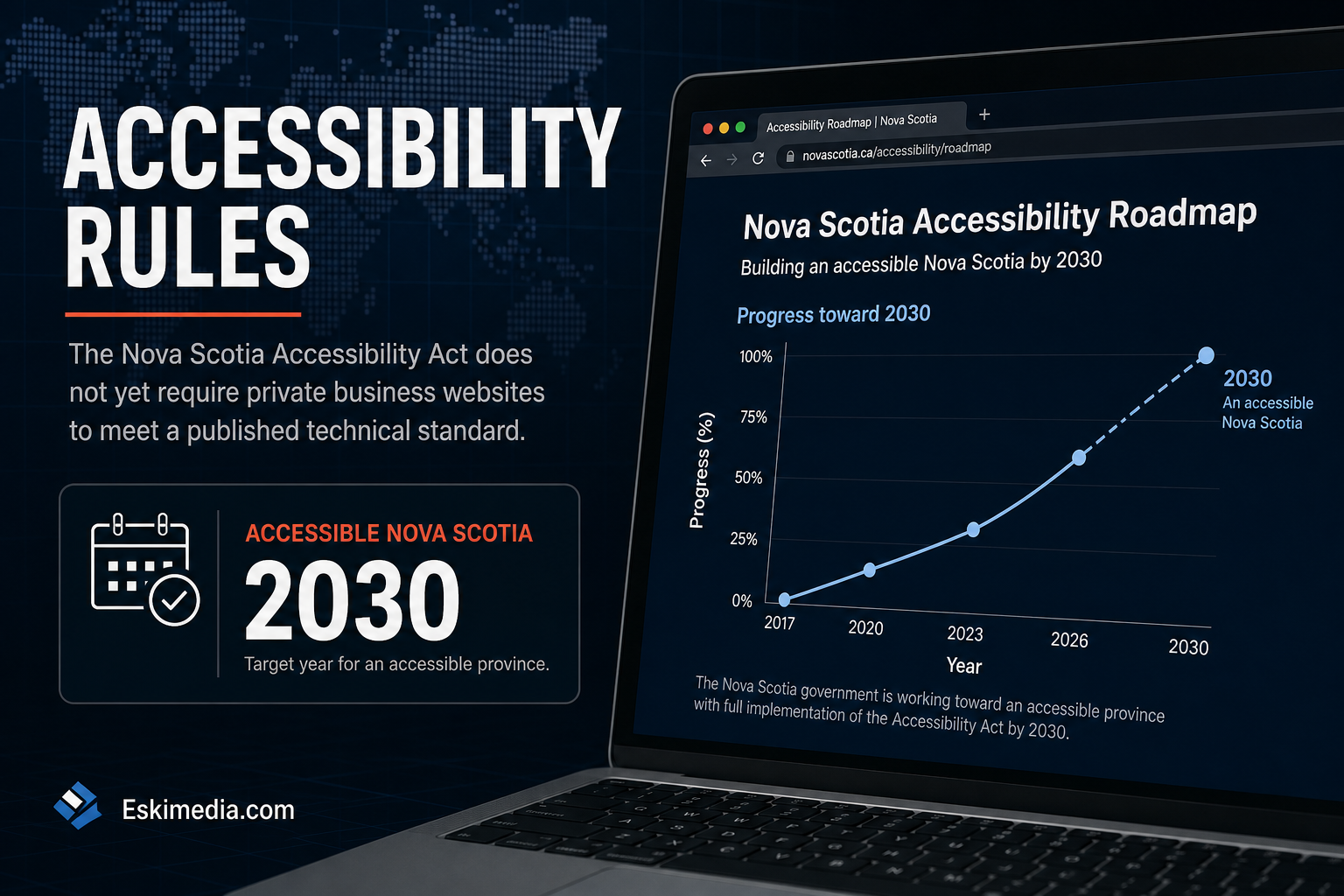
That’s not the same as “do nothing”. The Act’s goal is an accessible Nova Scotia by 2030, a website standard is coming, and some obligations already apply regardless of it. If you’re planning a new site or a redesign in the next couple of years, it’s far cheaper to build accessibility in now than to retrofit it later.
What Is Actually Law Right Now
| Area | Status (Sept 2026) | Affects a small private business website? |
|---|---|---|
| Built Environment standard | In force | No. It covers physical spaces |
| Information and Communication standard | In development; no requirements or dates published | Not yet. This is the one to watch |
| Goods and Services, Employment, Education, Public Transportation standards | In development | Not yet |
| Accessibility plans for prescribed public sector bodies | Required since 2022–2023 for municipalities, universities, health authorities and others | No, unless you’re one of those bodies |
Check the province’s page before relying on this table. Standards are added by regulation, and this one will change.
Obligations That Apply Anyway
A missing website standard doesn’t mean there are no rules at all.
- Human rights law. The Nova Scotia Human Rights Act prohibits discrimination based on disability in the provision of services. How that applies to a specific website is a legal question, but a business that can only be booked or paid through an inaccessible site is taking a risk.
- Other jurisdictions. If you have employees in Ontario, the AODA already applies web accessibility requirements to many organizations there. Federally regulated businesses such as banks, telecom and airlines have obligations under the Accessible Canada Act.
- Contracts. Government bodies that must have accessibility plans increasingly ask suppliers about accessibility. If you sell to them, expect the question.
Be Skeptical of “You Must Comply Now” Claims
Much of what ranks for this topic comes from companies selling accessibility software, and some of it overstates the current requirements. Two claims to be careful with:
“The standard requires WCAG 2.0 AA.” No Nova Scotia website standard has been published, so no level has been set. Other Canadian rules have used the Web Content Accessibility Guidelines, so WCAG is the sensible target. The current version is WCAG 2.2.
“Install this plugin and you’re compliant.” Automated overlay widgets that add a toolbar to your site don’t fix the underlying code, and accessibility practitioners have criticized them publicly for years. They can also interfere with the screen readers disabled visitors already use. Real accessibility is in how the site is built.
What an Accessible Small Business Website Needs
Most of the work on a typical local business site comes down to a short list. None of it is exotic.
| Area | What good looks like | Common failure |
|---|---|---|
| Text contrast | Body text clearly readable against its background | Light grey text on white, white text over busy photos |
| Images | Meaningful images have alt text; decorative ones don’t | No alt text, or “IMG_4032.jpg” |
| Headings | One H1, then a logical H2/H3 order | Headings chosen for size, not structure |
| Keyboard | Everything reachable and usable with Tab and Enter, with a visible focus outline | Menus that only open on hover; focus outline removed |
| Forms | Every field has a visible label; errors explain what to fix | Placeholder text as the only label |
| Links and buttons | Text says where it goes | “Click here”, “Read more” repeated ten times |
| Video | Captions on anything with speech | Auto-generated captions never checked, or none |
| Documents | Key information on the page itself | Menus, price lists and forms only as scanned PDFs |
| Zoom | Page still works at 200% zoom | Text overlaps or content disappears |
| Pop-ups and banners | Can be closed with the keyboard; don’t trap focus | Cookie or promo pop-ups that block the page |
Much of this overlaps with good SEO and conversion practice. Clear headings, descriptive links, real text instead of text in images and fast-loading pages help everyone who visits, including Google.
A 15-Minute Self-Check
- Put the mouse away. Press Tab repeatedly from the top of your homepage. Can you see where you are at all times? Can you open the menu and reach the contact form?
- Zoom to 200% in your browser. Does the page still make sense?
- Run the free WAVE checker on your homepage and one service page. Focus on the red errors first.
- Turn on your phone’s screen reader (VoiceOver on iPhone, TalkBack on Android) and try to find your phone number. It’s humbling, and it’s quick.
Automated tools catch only part of the problems. They’re a starting point, not a certificate.
What to Do Now, Depending on Your Situation
- Planning a new site or redesign in the next two years: write WCAG 2.2 AA into the brief. Built in from the start, it adds relatively little cost. Retrofitting later is where it gets expensive. If a redesign is on the table, protect your rankings through the switch too.
- Happy with your current site: fix the high-impact items in the table above, starting with contrast, form labels and keyboard access. Add captions to your videos.
- Selling to government or large organizations: expect accessibility questions in procurement and be ready to describe what you’ve done.
- Everyone: check the province’s compliance page a couple of times a year. When the Information and Communication standard is published, it will set the real requirements and deadlines.
Accessibility belongs in the UX and interface stage of a project, not bolted on afterwards. We can also review an existing site against the checklist above and tell you what’s worth fixing now versus at your next redesign. If you’d like that review, send us your URL.