
Virtual Staging in Nova Scotia Listings: Where the Line Is and How to Disclose It

AI tools can now furnish an empty living room in seconds, turn a grey February sky blue, and make a tired kitchen look renovated. For Nova Scotia listings, the question isn’t whether you can do this. It’s which of those edits a buyer, a regulator or a disciplinary committee would call misleading.
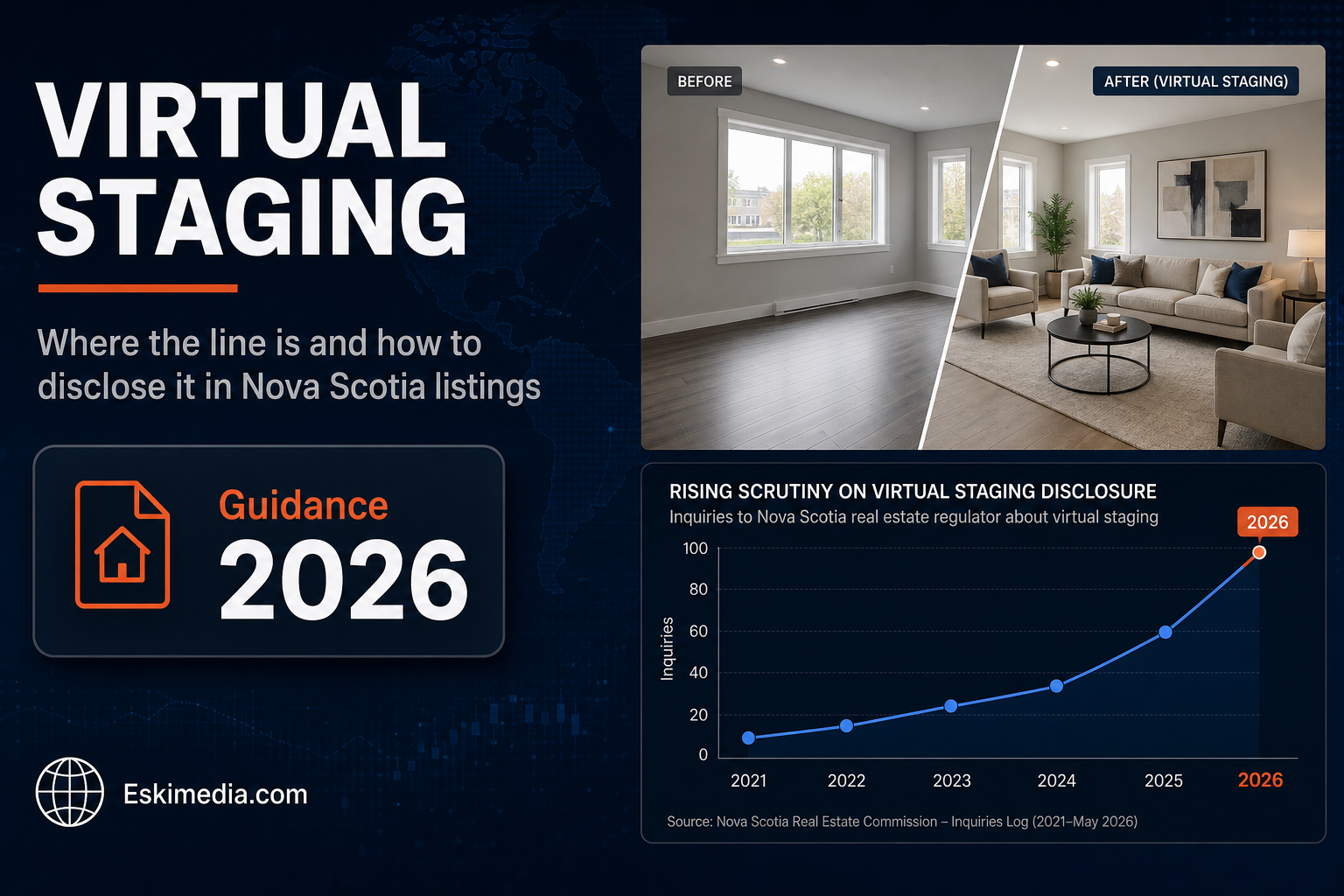
The short answer, as of September 2026: the Nova Scotia Real Estate Commission hasn’t published guidance specific to virtual staging. What applies are its general rules against advertising that is false or misleading, which cover every licensee’s listings. In practice that produces a clear line. Adding furniture to an empty room is generally acceptable if it’s clearly labelled. Changing or hiding the property itself is not.
This isn’t legal advice. If you’re a licensee with a specific question, your brokerage and the Commission are the places to ask.
Where the Line Usually Falls
| Edit | Generally acceptable? | Condition |
|---|---|---|
| Colour, brightness and contrast correction | Yes | The room still looks like the room |
| Removing clutter and personal items | Usually | Nothing that stays with the property is removed |
| Virtual furniture in an empty room | Yes, if labelled | Clear “virtually staged” label; original photo available |
| Replacing a grey sky | Debated | Many consider it cosmetic. Don’t use it to misrepresent a view or a season |
| Removing power lines, a neighbouring building or a highway | No | Changes what the buyer will actually see and hear |
| Hiding water stains, cracks, damage or wear | No | Misrepresents condition |
| Changing flooring, countertops, cabinets or wall colour | Only as a labelled concept | Shown alongside the real photo, and clearly marked as a possibility, not the current state |
| Extending the lawn, adding landscaping or water views | No | Misrepresents the property and setting |
The test is simple. Picture the showing. Would a buyer who walks in after seeing the photo feel misled? If yes, the edit crosses the line, however it was labelled.
How to Disclose Virtual Staging Properly
- Label the image itself. A visible “Virtually staged” mark on the photo, not only a note somewhere in the description. Images get shared, screenshotted and reposted without the text.
- Say it in the listing remarks. One plain sentence: “Photos of the living room and primary bedroom are virtually staged.”
- Show the original next to it. Put the unstaged photo immediately after the staged one. It answers the buyer’s question before they ask it.
- Keep the originals on file. If a complaint ever comes up, you’ll want to show exactly what was changed.
Across the Canadian industry, the direction is toward more scrutiny, not less. REM’s coverage of AI-edited listing photos describes some boards already enforcing rules against images that don’t accurately depict the property. Labelling now is simply cheaper than explaining later. Much cheaper.
Which Rooms Benefit From Virtual Staging
Virtual staging earns its place in a few situations:
- Empty homes, where buyers struggle with scale. Is that bedroom big enough for a queen bed and dressers?
- Awkward rooms whose purpose isn’t obvious, like a bonus room over the garage or a long narrow living room.
- New builds and condos being sold before they’re furnished.
Furnished homes are different. If the home is already furnished and presentable, a tidy-up and good light on shoot day usually beat any software.
The Quality Problems Buyers Notice
Poor virtual staging hurts a listing even when it’s disclosed. Common tells:
- furniture at the wrong scale, making a room look bigger or smaller than it is
- shadows and light that don’t match the windows
- warped window frames, doors or trim where the AI edited too much
- furniture blocking vents, doors or baseboard heaters, which buyers notice at the showing
- a style that doesn’t suit the home, like minimalist Scandinavian furniture in a 1900s farmhouse in the Annapolis Valley
If you use virtual staging, check each image at full size before it goes live, and cross-check it against the original. Every one.
Start With Photos That Don’t Need Rescuing
Most of the pressure to edit heavily comes from weak original photos: dark rooms, grey skies, clutter. Many of those problems are cheaper to solve on shoot day. Book for a bright day, open every blind, turn on every light, clear surfaces, and shoot at the time of day when the main rooms get the best light. Good originals need only light correction, and they’re what virtual staging should start from anyway.
The same principles apply to short-term rental listings, where guests arrive expecting what they saw. We covered that in short-term rental photos in Nova Scotia. For how professional photos affect a sale, see real estate photography in Halifax.
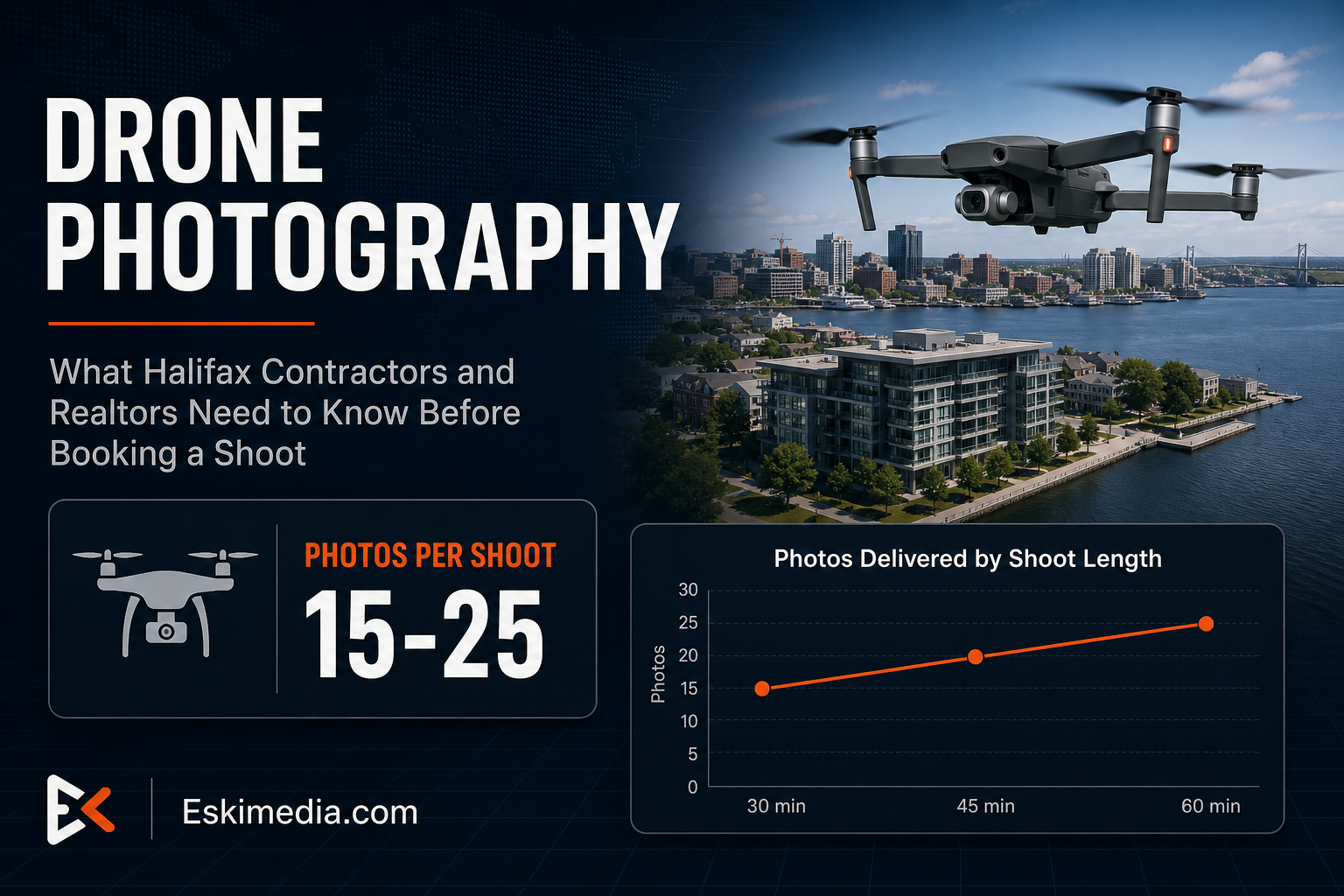
Our real estate photography package is $349 plus HST, covering a two-hour shoot, 15 edited photos, three short vertical videos and aerial coverage. A drone-only shoot is $299 plus HST for raw footage and stills. If you’d like to talk through what a particular listing needs, including whether any room would really benefit from staging, send us the address and listing date.