
Rural Nova Scotia Business Not Showing Up Right on Google Maps? Fixing Civic Address and Pin Problems

Customers turn up at the general store. The courier calls from the wrong side of the lake. Google sends people to a spot on the highway two kilometres short of your driveway. Or you can’t get the Business Profile verified at all, because the postcard never arrives.
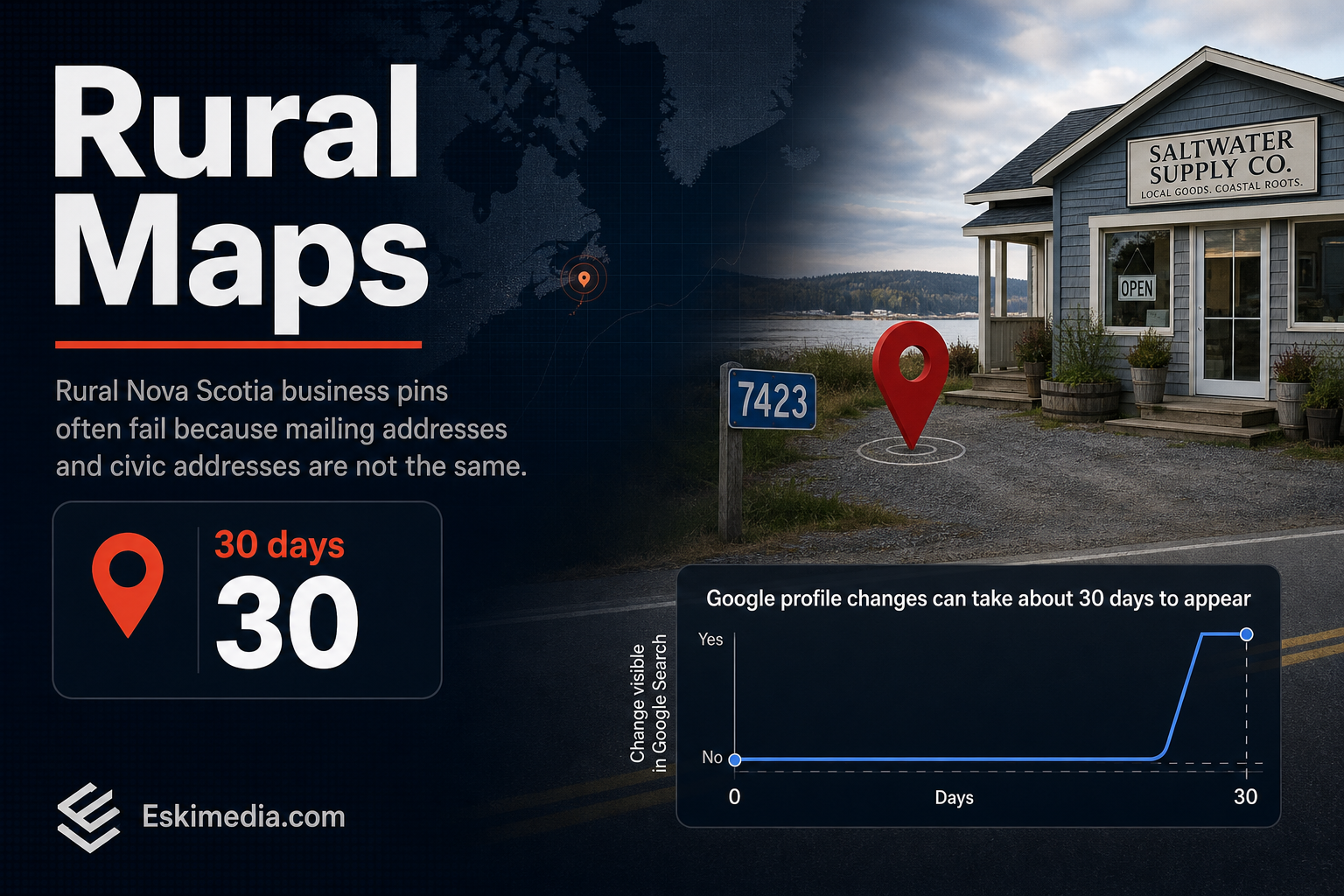
These look like separate problems. In rural Nova Scotia they usually share one cause: your mailing address and your physical address aren’t the same thing, and Google needs the physical one. Your mail may go to a post office box in the village or a community mailbox at the end of the road. Your property has a civic number assigned by the municipality for 911. Google Maps works from the second, but most people enter the first.
The fix is to find your official civic address, enter it exactly, place the pin by hand, then correct the map itself where the road or address point is missing. Verification needs a different route if mail doesn’t reach the property.
Match Your Symptom to the Fix
| What’s happening | Usual cause | Fix |
|---|---|---|
| Your pin sits in the village centre or at the post office | Google placed you from the postal code, not the civic number | Enter the civic address and move the pin manually |
| The pin is right but directions end on the wrong road | The road or your address point is missing from Google Maps data | Suggest an edit in Google Maps (separate from your profile) |
| The verification postcard never arrives | No mail delivery at your civic address | Use a different verification method; don’t switch to your PO box |
| Google won’t accept your community name | The civic community isn’t in Google’s address list | Pick the nearest option Google offers, then place the pin by hand |
| Android users find you, iPhone users don’t | Apple Maps has its own data | Claim and correct your listing in Apple Business Connect |
Why Rural Addresses Trip Up Google Maps
Three things go wrong, often together.
The address you use every day isn’t a location. An “RR 2” line, a PO box or a site-and-compartment number tells Canada Post where to leave mail. It doesn’t describe a building. Google’s guidelines are explicit that P.O. boxes and mailboxes at remote locations aren’t acceptable as a business address.
Rural postal codes cover a lot of ground. In a city, a postal code can narrow things down to one side of a block. In the country, one code can stretch across several communities. When Google can’t match a civic number to a known point, it tends to fall back on something coarser, and your pin lands wherever that is.
Local names and official names drift apart. The road everyone calls by the old family name may carry a different name in the civic file. Private lanes and newer roads may not be on the map at all.
Step 1: Confirm Your Official Civic Address
In Nova Scotia, municipalities assign civic addresses, and every one feeds into a provincial dataset, the Nova Scotia Civic Address File. A civic address has four parts: civic number, street name, community and county.
Look yours up in the province’s Civic Address Finder, linked from the GeoNOVA page above. Write down all four parts exactly as the record shows them, including the spelling and the road type (Road, Lane, Drive).
If the property has no civic number yet, which happens with new builds and some seasonal operations, request one from your municipality. In HRM that goes through the civic addressing office. Don’t set up a Business Profile around a made-up number. It will fail verification and it won’t match anything emergency services use.
Step 2: Enter the Address in Your Business Profile Correctly
| Field | Enter | Leave out |
|---|---|---|
| Address line 1 | Civic number and street name, as in the civic file | RR numbers, PO box, site/compartment |
| Address line 2 | Unit or building, if there is one | Directions (“second driveway past the church”) |
| City / community | The community from the civic record, if Google offers it | A town you picked only because it’s bigger |
| Postal code | Your postal code | — |
Then fix the pin. Google’s help page says that if your address has no street number or the system can’t find it, you can pin your business directly on the map. Choose Adjust, drag the map until the marker sits on your building, ideally the entrance customers use, and save.
Zoom in to satellite view before you drop it. A pin on the house when customers need the shop behind it still sends people to the wrong door.
Google says profile changes usually appear in about 10 minutes but can take up to 30 days. Editing the address can also trigger re-verification, so do it once, carefully, rather than in several rounds.
If customers never come to your property, the rules change. Hide the address and list service areas instead. Your verified location still anchors your ranking; our article on why a profile ranks in one community but not the next explains how that plays out.
Step 3: Fix the Map, Not Just Your Listing
This is the step most people miss. Your Business Profile pin and Google Maps’ own road and address data are separate. You can have a perfect pin and still watch directions end on the wrong road, because the route is built from Maps data.
In Google Maps on a computer:
- Search for your civic address.
- Click Suggest an edit, then Wrong pin location or address.
- Move the pin to the right spot, confirm the address details and submit.
If the road itself is missing, open the menu, choose Edit the map and add the road first. Google notes that address fixes become publicly visible once accepted. It doesn’t promise a timeline, and edits are reviewed, so check back after a week or two and resubmit with a clearer description if nothing changed.
Then handle the other maps your customers use:
- Apple Maps. iPhone users get Apple’s data by default. Claim your place in Apple Business Connect and correct the location there.
- Bing Places. Worth claiming too. It controls how you appear in Bing and Microsoft’s other search products, and it takes a few minutes.
Step 4: When the Verification Postcard Never Comes
Google mails the postcard to the address on your profile. If no mail is delivered at your civic address, it has nowhere to land.
Don’t solve that by switching the profile to your PO box. It breaks the guidelines, and editing the address after requesting a code invalidates the code anyway. Instead, check which other options Google offers your profile. Phone, text, email and video recording all appear for some businesses. Video is increasingly the default.
For a rural video, show the things that tie the business to the spot: the civic number sign at the road, your signage or vehicle, the tools or stock you work with, and something that proves you manage the business, like unlocking the building or opening the business account on your phone. Keep it one continuous take.
Put the Same Directions on Your Website
Your website should back up what the map says, and it can do something the map can’t: explain.
- Show the civic address in the footer, written exactly as it appears on your profile.
- Embed a map that uses your corrected pin.
- Add a short “Finding us” section with landmarks, the turn-off, what the sign looks like and where to park.
- Note if cell coverage drops near you. Visitors who lose signal need a written landmark more than a blue dot.
- Include LocalBusiness structured data with your latitude and longitude, so search engines get the coordinates directly.
For tourism operators, farm businesses and anyone who relies on first-time visitors, this page often gets more use than the homepage. If your current site makes it awkward to add, that’s a straightforward piece of website work.
What If the Pin Is Right and You Still Don’t Show Up?
Then you’re past the address problem. When the location is correct but you don’t appear for searches nearby, the issue is relevance or prominence: category choice, reviews, what your website says about the area you serve. That’s ranking work rather than map repair, and it’s where our local SEO service usually picks up. If you’d rather have someone sort out the profile, the map edits and the website at the same time, send us your civic address and what’s going wrong.