
Google Business Profile Suspended After You Moved? Causes, Documents and the Appeal

You moved the business, updated the address on Google, and a few days later the profile disappeared. Or it’s still visible, but you can’t manage it and there’s a suspension notice in the dashboard. The move was real. The business is real. Google has still decided something doesn’t add up.
An address change is one of the edits Google looks at most closely, because it’s also what spammers do when they create fake listings. A suspension after a move usually comes from one of two things: the new setup doesn’t fit Google’s eligibility rules, or the business name and address don’t match across your documents, signage and profile. Fix whichever it is first, gather matching documents, and then appeal. Appealing before fixing the cause usually just earns a denial. Order matters.
Why Profiles Get Suspended After a Move
| New situation | Why Google objects | Fix before appealing |
|---|---|---|
| You moved the business into your home and the address is shown publicly, but customers don’t visit | Addresses should only be shown where you serve customers in person | Hide the address and set service areas instead |
| You moved into a co-working space, shared office or mailbox address | Virtual offices aren’t eligible unless staffed during business hours | Use a location you actually operate from, or become a service-area business |
| Your registration, utility bill or licence still shows the old address | Evidence doesn’t match the profile | Update the documents first. At least one needs the new address |
| The new location has no signage yet | Verification can’t confirm the business exists there | Put up permanent signage before verifying or appealing |
| Another business in the same category already uses that address | Looks like a duplicate or a lead-generation listing | Make sure suite numbers are distinct and your signage is clear |
| You made several edits in a row: name, address, category, phone | A cluster of changes looks like a takeover | Stop editing. Change one thing at a time in future |
Get the Documents Ready Before You Start the Appeal
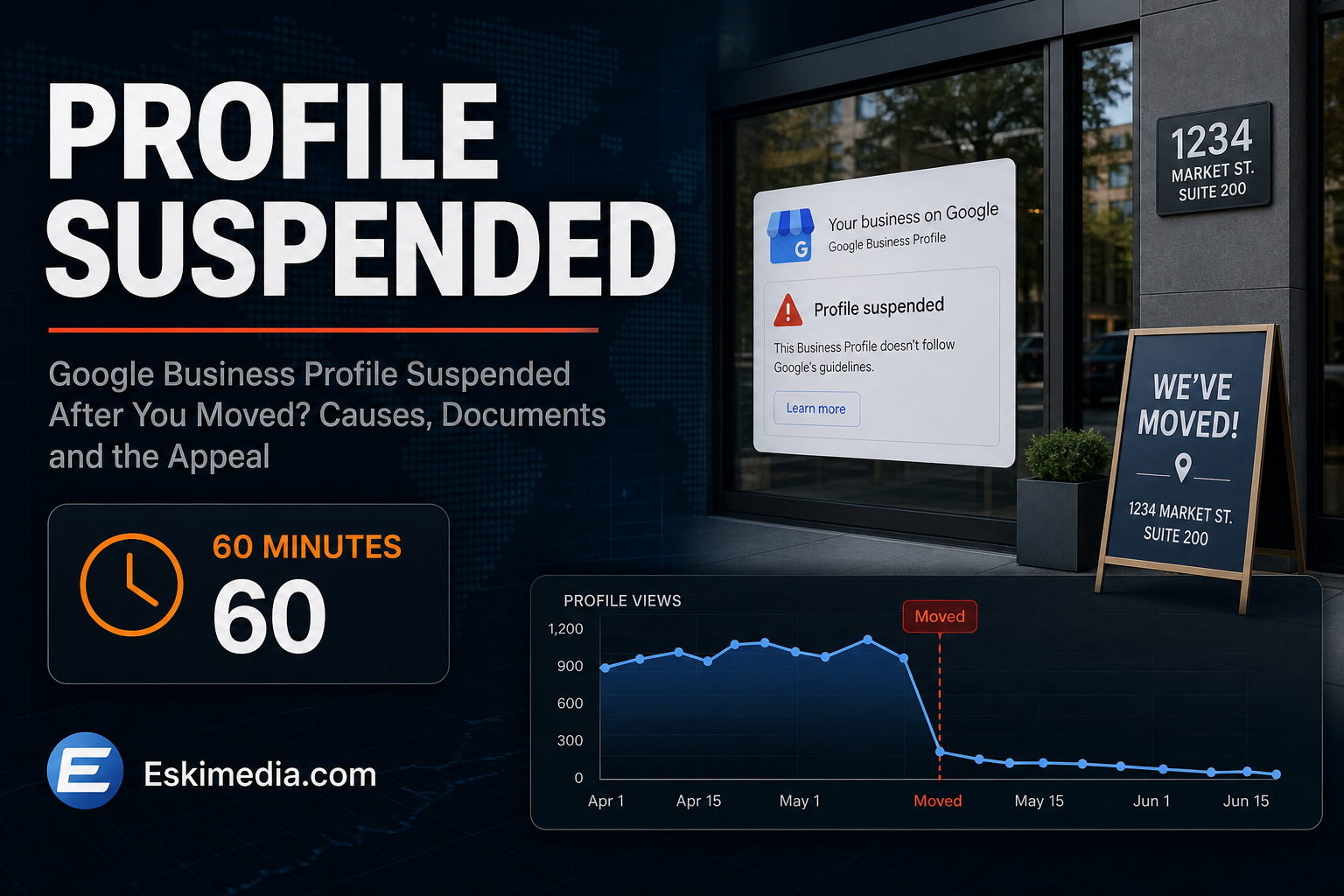
This is the detail that trips people up. Google’s appeal process asks for evidence, and its help page says the evidence form has to be submitted within 60 minutes. Gather everything first.
Google lists the kinds of documents it accepts: official business registration, a business licence, tax certificates, and utility bills such as electricity, phone, water or internet. The critical requirement is that the business name and address on the documents match the profile you’re appealing for.
For a Nova Scotia business, that usually means some combination of:
- your registration with the Nova Scotia Registry of Joint Stock Companies, updated to the new address
- a Nova Scotia Power or internet bill in the business name at the new address
- a municipal business licence or permit, where your municipality or trade requires one
- your lease for the new premises
- photos of the storefront with permanent signage, if you serve customers there
Cover account numbers and tax numbers you don’t need to show. Name and address are what matter. Nothing else.
How to Appeal
- Fix the underlying issue from the table above. If you should be a service-area business, switch to that first.
- Open the Business Profile appeals tool while signed in to the Google account that owns the profile.
- Select the profile and read the violation reason Google gives. It’s often general, but it points you in a direction.
- Submit the appeal with your documents, within the time limit.
- Wait, and don’t edit the profile while it’s under review.
Google also says plainly: don’t create a new Business Profile for the same business while your appeal is under review. A new profile looks like an attempt to get around the suspension and can make things worse. It also throws away your reviews.
If the appeal is denied, Google allows you to submit an additional review of the decision with new evidence. Use it for something genuinely new, such as an updated registration or a bill that has since arrived at the new address, rather than resubmitting the same documents.
If You Also Have to Re-Verify
Moving often triggers a new verification, and increasingly that means a video. The same rule applies: signage, the surrounding area and proof you manage the business, all at the new address. If you work from home or a vehicle, our guide to video verification for home-based businesses has a shot list. If the new address is rural and the pin lands in the wrong place, fix that first with our civic address and pin guide.
Keeping Customers Reaching You While You Wait
- Make sure your website shows the new address and phone number clearly, including in the footer.
- Update Apple Business Connect and Bing Places, which aren’t affected by the Google suspension.
- If calls drop sharply, a small, tightly targeted search campaign can cover the gap. Set it up to produce calls, not just clicks.
- Tell existing customers directly, by email or on social media, that you’ve moved.
Planning a Move? Do It in This Order
- Update your business registration and utility accounts to the new address.
- Put up permanent signage at the new location.
- Update your website and structured data.
- Then edit the address on your existing Business Profile, once, and leave everything else alone.
- Expect a verification request and have your documents and signage ready.
Editing the existing profile keeps your reviews and history. Creating a new one at the new address throws both away.
Profile moves, suspensions and appeals are part of our local SEO work. We also covered other 2026 Business Profile changes in what changed this year. If your profile went down after a move and you’d like help working out why, send us the profile name and what you changed.