
Your Web Designer Controls Your Domain: How Canadian Businesses Get It Back (.ca and .com)

The designer who built your site has stopped answering. Or they’re answering, but they want a “release fee”. Or they’ve simply gone quiet, and you’ve realized you don’t know who owns the domain, where the site is hosted, or how to log in to any of it.
This is more common than it should be, and it’s usually fixable. The key fact is this: whoever is listed as the registrant of a domain controls it, not whoever paid for it and not whoever built the website. So the first job is to find out whose name is on the domain. Everything else follows from that.
Below is the order we’d work through it, with the rules that apply to .com and .ca domains, and then the other accounts that tend to be held hostage in the same way.
Step 1: Find Out Who Actually Holds the Domain
For a .com (or .net, .org and similar), use ICANN’s free registration data lookup. Personal details are often redacted for privacy now, but the registrar’s name almost always shows. That tells you which company the domain is registered with: GoDaddy, Namecheap, Tucows and so on.
For a .ca, use CIRA’s WHOIS lookup on cira.ca. It also shows the registrar. Registrant details for individuals are private by default.
Then check your own email. Search your inbox, including old addresses, for the registrar’s name and for words like “renewal” or “domain”. If renewal notices have been coming to you, the domain may well be in your name already, and you just need to recover the login.
Step 2: Work Out Which Situation You’re In
| Situation | What it means | Next step |
|---|---|---|
| The domain is in your name, you’ve lost the login | Easiest case. You control it | Use the registrar’s account recovery with your email, or call their support with ID and proof of ownership |
| It’s in your name, but inside the designer’s reseller account | You’re the registrant; they manage the account | Ask for the transfer (authorization) code, or contact the registrar directly as the registrant |
| It’s in the designer’s name or company name | Legally, they hold it | You need them to change the registrant to you. Start with a written request |
| It’s in a name nobody recognizes | Possibly an old employee, a previous agency or a reseller | Trace back through old invoices and emails before contacting the registrar |
Step 3: Ask in Writing, With Specifics
Many of these situations end with a single clear email. Designers often aren’t holding anything hostage deliberately; they’ve moved on, and “sort out Mike’s domain” has sat on a to-do list for a year.
Make it easy to say yes. Ask for exactly these things:
- the domain’s authorization code (also called an EPP or transfer code) and confirmation that the domain is unlocked, or
- a change of registrant to your business name and email, if it’s registered to them
- login details or a transfer for the hosting account, or a full backup of the site files and database
- admin access to WordPress (or Shopify, Wix, Squarespace) in your own name
Give a reasonable deadline, like ten business days, and keep a copy. If the relationship has soured, stay factual. The written record matters if this goes further.
The Rules Registrars Have to Follow
Knowing these helps when a designer or registrar says something can’t be done.
For .com and other generic domains
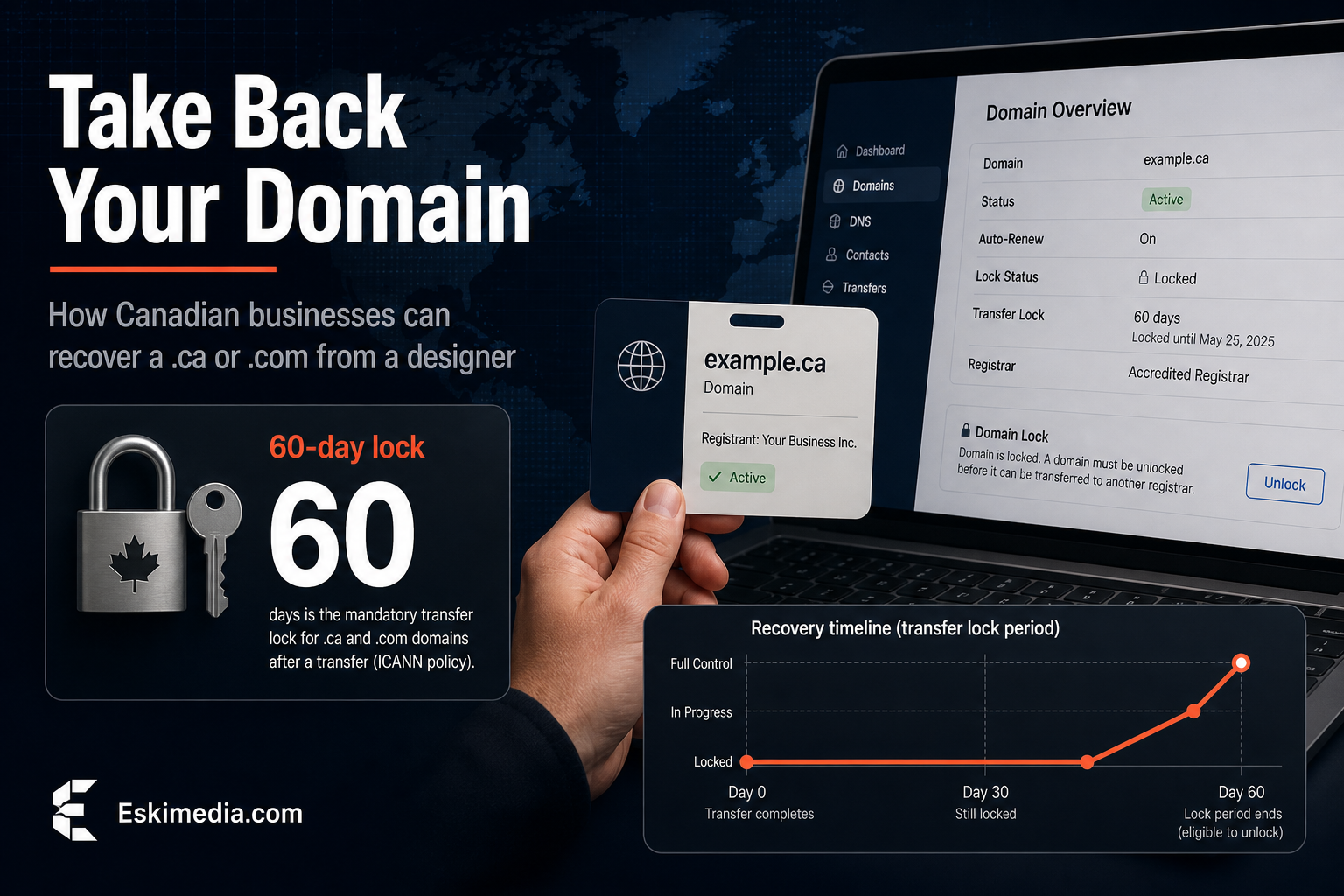
Under ICANN’s Transfer Policy, the registrar has to provide the authorization code to the registered name holder within five calendar days of a request, if it doesn’t offer a self-service way to get it. After a change of registrant, the registrar applies a 60-day lock on moving the domain to another registrar, though registrars may let the holder opt out of that lock before the change. Transfers can also be refused in the first 60 days after registration or after a previous transfer.
For .ca domains
CIRA’s rules are similar on the code. The registrar has to provide the authorization code within five calendar days of the registrant’s request and remove any registrar lock, and a transfer can’t happen within 60 days of the domain being registered or transferred. Once the new registrar submits the request with a valid code, the transfer happens immediately. CIRA’s transfer guide walks through it.
There’s one extra .ca wrinkle. The registrant has to meet CIRA’s Canadian presence requirements. A Nova Scotia business does, but if the domain is registered to a designer’s company outside Canada, that’s worth mentioning to the registrar.
The important limit on both: these rules protect the registrant. If the designer is the registrant, the registrar will generally side with them, which is why the change of registrant is the thing to ask for.
If They Won’t Respond or Won’t Cooperate
Work through these roughly in order. Each one costs a bit more time or money than the one before.
- Contact the registrar directly. Explain the situation with evidence: invoices showing you paid for the domain, emails where the designer refers to it as yours, your business registration. Registrars can’t hand over a domain registered to someone else on your say-so, but some will contact the registrant or explain your options.
- Check what you paid for. If your contract or invoice lists the domain as part of what you bought, that’s significant. Read it before you escalate.
- Consider a formal demand letter. A letter from a lawyer asking for the change of registrant often gets a response where emails didn’t.
- Know the dispute policies exist, but they’re narrow. CIRA’s dispute resolution policy for .ca and ICANN’s UDRP for .com deal mainly with bad-faith registration of names that match a trademark or name you have rights in. They can apply here, but they cost money and take time. Take legal advice before relying on them.
- Weigh a new domain. If the domain is young and doesn’t carry much search history or many links, starting fresh can be cheaper than a long fight. For an established domain, it usually isn’t.
If the domain renewal is coming up soon, don’t wait on any of this. A domain that expires while you’re arguing about it can be lost for good.
The Other Accounts That Get Stuck the Same Way
The domain is the one people notice. These are the ones they discover later.
| Account | What you need | If you can’t get it |
|---|---|---|
| Hosting | Your own account, or a full backup of files and database | If you control the domain, you can point it at new hosting and rebuild. Without a backup, that means rebuilding the site |
| WordPress | An Administrator user in your name | Whoever controls the hosting can create one |
| Google Business Profile | Primary owner, not just manager | Use Google’s request-access process. If the current owner doesn’t respond in time, Google may let you claim it |
| Google Analytics and Search Console | Administrator / owner access | Search Console can be re-verified once you control the domain. Old Analytics data may be lost |
| Google Ads and Meta Business | Admin access, with billing in your name | Ad accounts are painful to recover. Opening new ones is often faster |
How to Stop This Happening Next Time
- Register the domain yourself, in your business name, with your own card and an email address you’ll still have in five years.
- Open the hosting account in your name and add the developer as a user.
- Keep yourself as owner on every Google and Meta account. Agencies get manager or admin access, not ownership.
- Put it in the contract: domain, site files and accounts belong to you, and the agency hands over everything within a set number of days if you part ways.
- Keep a simple list of every account, the login email and who has access. Update it when people leave.
If a designer or agency, including us, objects to any of that, treat it as a warning sign.
If you’ve regained the domain and hosting but the site itself is outdated or half-broken, that’s a good moment to decide whether to repair it or rebuild on accounts you fully own. Our website cost breakdown covers what each option usually runs in Halifax. And if you’re not sure what you have, we can do a short ownership check: who holds the domain, where the site lives, and which accounts you actually control. And if you’re starting a new website, set it up on accounts in your name from day one, whoever builds it.