
Why Your Google Ads Invoice Shows HST, and How to Get Back the 2.5% Canada DST Fee

Two lines on Google Ads invoices confuse Canadian business owners more than anything else in the account: the GST/HST charge, and the 2.5% “Canada DST fee” that appeared in late 2024. One of them you can usually stop. The other has already stopped, and Google is now paying it back.
The short version:
- HST: Google charges GST/HST to Canadian advertisers who haven’t added a GST/HST registration number to their payments profile. If your business is registered, add the number and Google stops charging it.
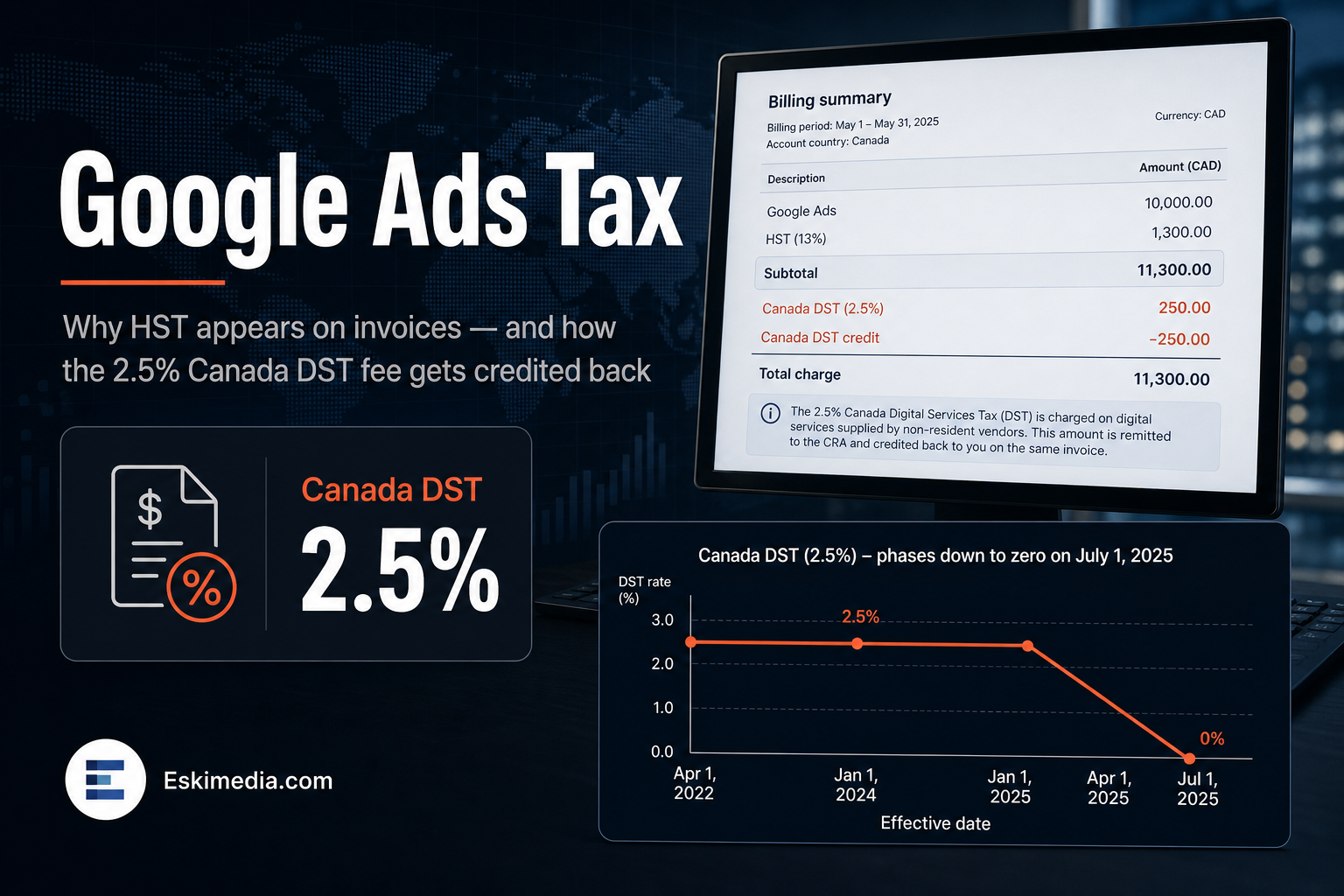
- DST fee: Google stopped charging the 2.5% Canada DST fee on July 1, 2025. After the tax was formally repealed in March 2026, Google began crediting back every DST fee it charged between October 1, 2024 and June 30, 2025.
The details matter, because the HST Google charges may not be something you can claim back, and some accounts have to apply the DST credit themselves.
Why Google Charges HST, and Why You Might Not Get It Back
Google Ads in Canada is billed by Google LLC, a U.S. company. Under Canada’s rules for the digital economy, foreign digital businesses like Google can register under a simplified GST/HST regime and collect tax from Canadian customers.
Google’s tax help page is direct about it: GST/HST applies to Google Ads customers with a Canadian billing address who haven’t added a GST/HST registration number. If you add the number, Google doesn’t charge the tax.
Here’s the part that costs businesses money. GST/HST charged by a vendor registered under the simplified regime generally isn’t eligible for input tax credits. For a Nova Scotia business, that’s 14% HST on every dollar of ad spend that you pay and can’t recover, simply because a number is missing from a settings page.
How to Add Your GST/HST Number to Google Ads
- In Google Ads, open Billing → Settings (in some accounts, Admin → Billing).
- Find the payments profile section and look for tax information.
- Enter your GST/HST registration number: the nine-digit business number followed by RT0001 (or your program account number).
- Save, and check your next invoice.
The change applies going forward. Tax already charged on past invoices doesn’t reverse automatically. Ask your accountant whether it’s worth pursuing for past periods, and whether anything needs self-assessing on your return now that the tax isn’t charged. For most businesses using ads entirely for their business, the answer is straightforward, but it’s their call.
If your business isn’t registered for GST/HST, usually because it’s below the $30,000 small supplier threshold, you’ll keep paying the tax. There’s nothing to add, and you couldn’t claim it back anyway.
What Was the 2.5% Canada DST Fee?
Canada introduced a Digital Services Tax that applied to large digital companies. Google responded by adding a 2.5% surcharge to ads served in Canada, starting October 1, 2024. It appeared as a separate line on invoices.
In June 2025 the federal government announced it would rescind the tax. Google stopped charging the fee on July 1, 2025. The repeal became law through Bill C-15 on March 26, 2026.
Getting the DST Fee Back
According to Google’s Canada DST FAQ, Google is crediting back all Canada DST fees charged between October 1, 2024 and June 30, 2025. How you receive it depends on how your account is billed.
| Account type | How the credit arrives | Action needed |
|---|---|---|
| You pay Google directly (automatic or prepay) | Account-level credit, shown as a negative line on a future invoice | None. Check that it appeared |
| An agency or reseller pays Google on your behalf | Credit memo in the Google Payments Center | The agency has to apply the memo to an outstanding invoice |
If an agency runs your ads and bills you for the spend, ask them directly whether they’ve applied the credit memos and whether the credit is being passed on to you. You paid the fee through them, so the refund should reach you the same way.
What About Meta and Other Platforms?
Meta and other large foreign platforms also collect GST/HST from Canadian customers under the same simplified regime, and they also stop charging it when a valid registration number is on file. Check the tax or business information section of each platform’s billing settings. It’s worth the few minutes: the same unrecoverable-tax problem applies.
A Quick Invoice Check
Pull your last Google Ads invoice and look for three things:
- A GST/HST line. If your business is registered and the line is there, your number is missing.
- The rate. For a Nova Scotia billing address, HST has been 14% since April 1, 2025. If you’re seeing 15%, check the billing address and date.
- A DST credit. If you ran ads between October 2024 and June 2025 and pay Google directly, a credit should appear. If it hasn’t, contact Google Ads billing support with the invoice numbers from that period.
Billing settings are the kind of thing nobody looks at until the accountant asks. If we take over an account through our Google Ads service, we check the tax number, billing address and payment profile along with the campaign problems covered in why Google Ads gets clicks but no calls. If you’d like us to look over your setup, get in touch.